
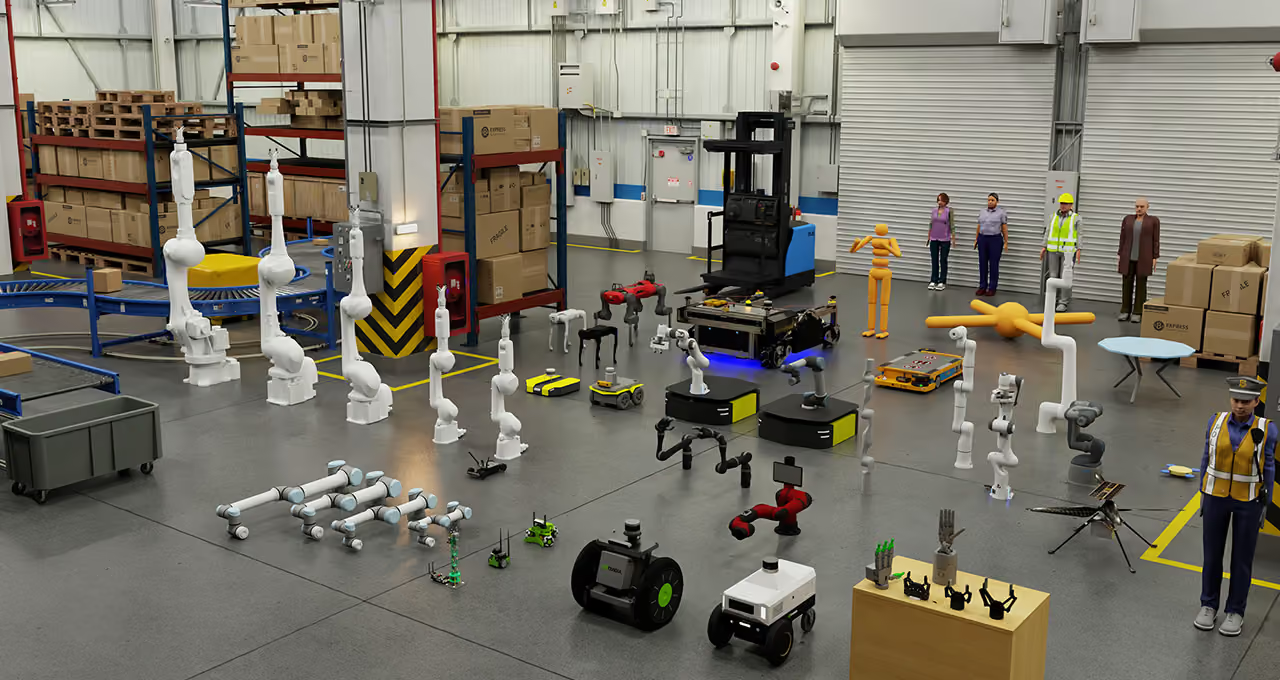
Give your robot the scenarios the real world won't hand you
Physics-accurate simulation data for manipulation and navigation, with exact ground truth on every frame.
Real-world training has a ceiling
Collection is expensive
- Physical rigs and setup
- Manual recording
- Human operators on site
- Every retest costs again
Real data is limited
- Rare events rarely happen on cue
- Dangerous scenarios can't be staged
- Environments barely vary day to day
Scaling takes time
A robot cannot physically live through millions of situations before deployment. Every added scenario means more rigs, more hours, more people in the loop.
Simulation lets a robot live through thousands of scenarios before it meets one real one.
How a pilot runs
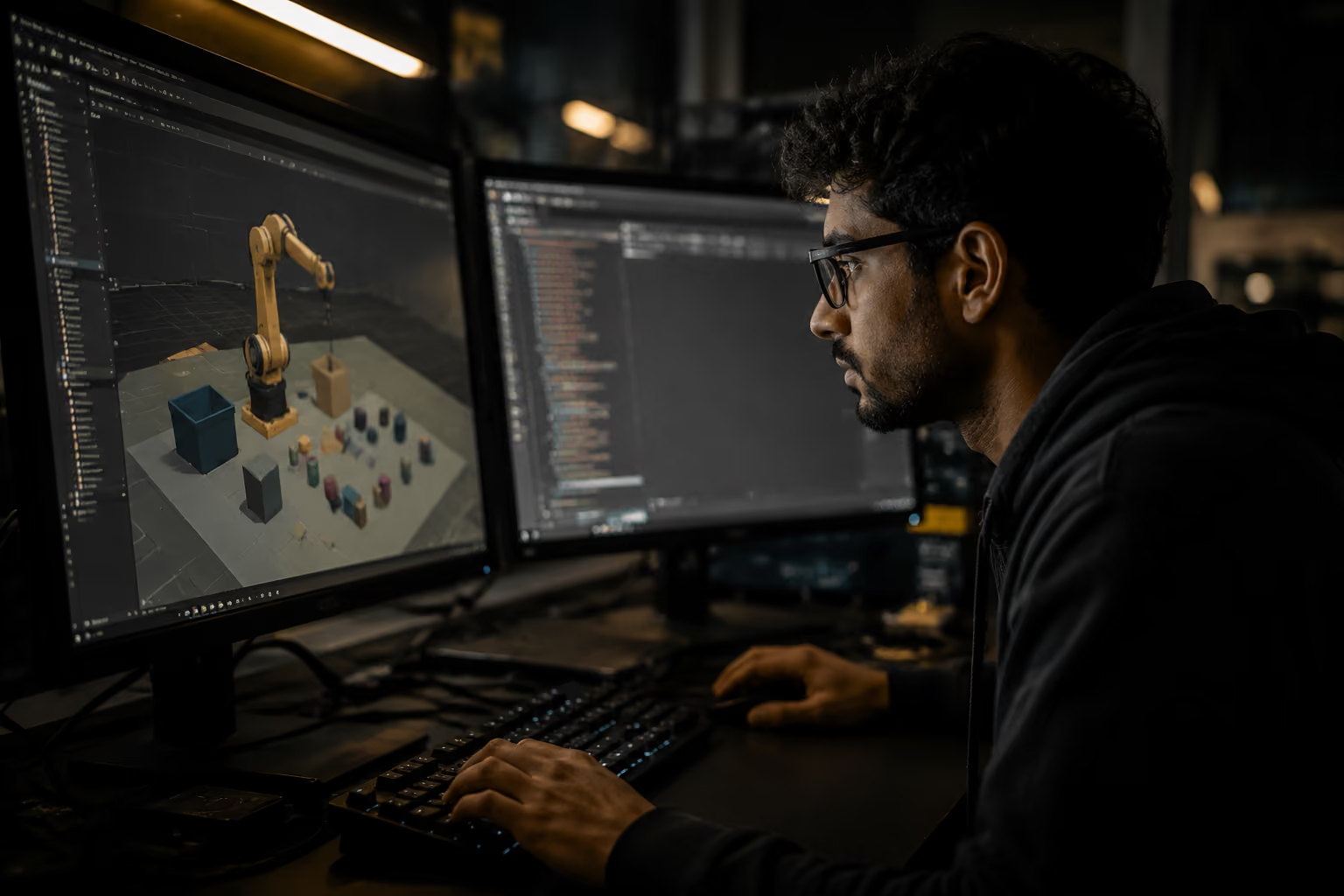
Your robot, your challenge
A robot, a CAD model, or just a task it needs to learn.
Define the requirement
We scope the task, the environment, and the data it actually needs.
Build the environment
A physics-accurate digital twin matched to your robot and use case.
Generate the variations
Objects, lighting, layouts, and edge cases, run automatically at scale.
Validate against reality
Outputs are checked against your real-world benchmarks and refined.
Deploy further ahead
Your robot enters the field already trained past what it could see physically.
Built from wherever your robot already is
Whatever stage it's at, there's a path into simulation. We match the method to what you already have.
Your Assets
- Existing CAD models
- Existing 3D assets
- Product models
AI-Generated Assets
- Unlimited variations
- Different layouts
- Different environments
Reality to Digital Twin
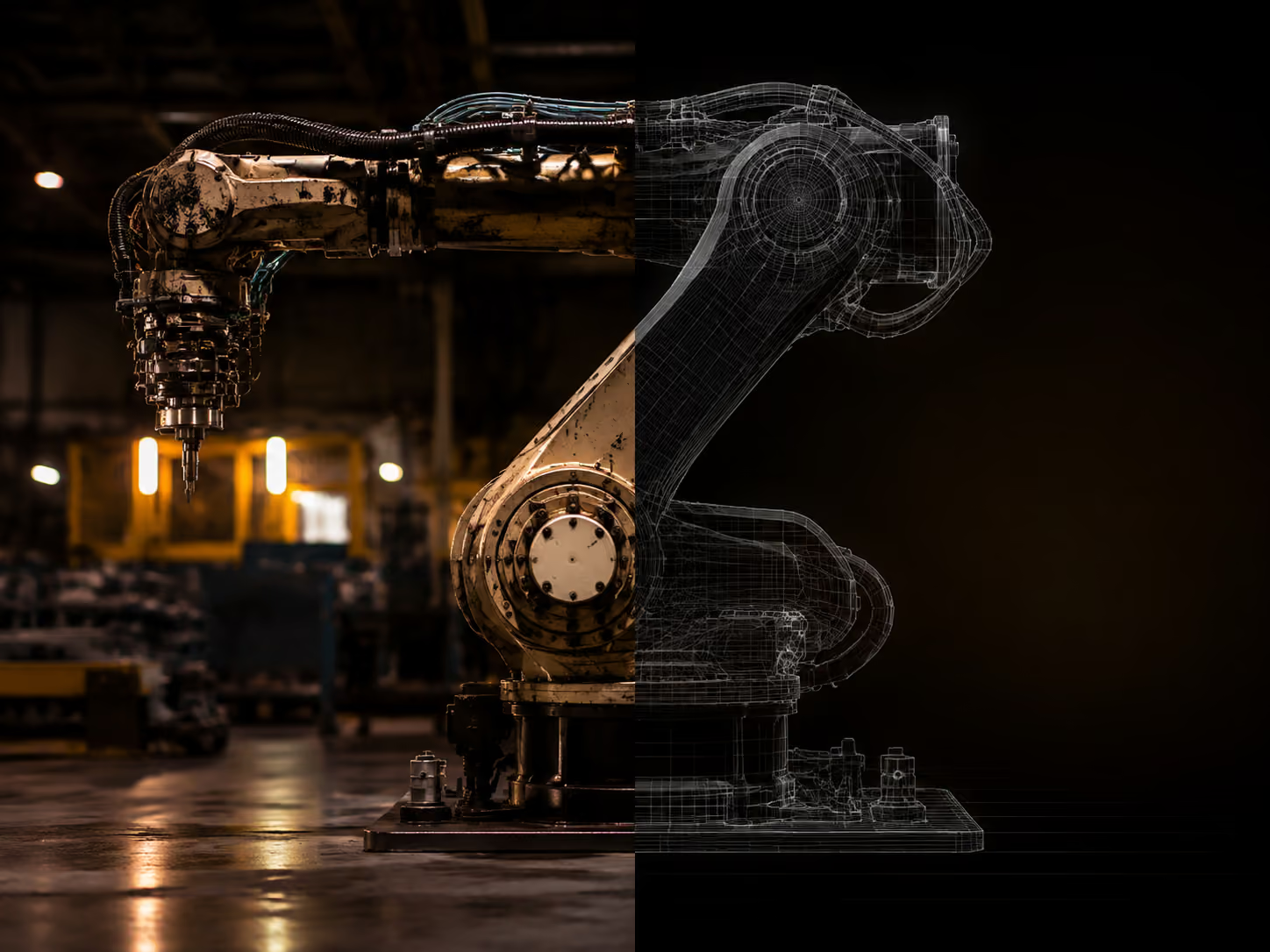
Physics-Accurate Sim
For sim-to-real transfer, we characterize the object itself so behavior in simulation matches the real world.
- Weight and dimensions
- Material and friction
- Motion behavior
What we can generate
.avif)
.avif)
.avif)
.avif)
Vision Training Data
- RGB
- Depth
- Segmentation
- Lighting variation
Robot Motion Data
- Pick and place
- Navigation
- Manipulation
- Trajectory generation
Sensor Data
- Camera
- Depth
- LiDAR
- Robot sensors
Edge Case Testing
- Failure scenarios
- Unexpected conditions
- Safety testing
- Rare situations
Bring your robot into simulation
Example: Pick and Place
If your robot performs pick and place, we simulate the full range of conditions it will meet in the field.
Built on industry-leading simulation platforms
Start with a paid pilot
Every robotics application is different. Instead of a one size platform, we run focused engineering pilots built around your robot, your objectives, and your data requirements.
Start a Simulation PilotShare your challenge
Simulation prototype
Generate initial dataset
Validate
Scale
Tell us what your policy needs to see.
Describe the task, the environment, and your hardware. We'll scope a simulation program around your exact requirements and get back to you within 48 hours.